
A rusted control arm sits on the workbench for exactly as long as it takes to explain to a customer what almost happened to their car, and then it goes in the scrap bin. For about ten minutes, that control arm was the single best marketing asset in the building, and almost every shop lets it walk out the door with nobody outside the bay ever seeing it. A restaurant photographs the plate. A landscaper photographs the transformed yard. A mechanic's best work is a part nobody kept, which is the real reason so many shop ads and shop social pages lean on the same stock photo of a wrench everyone else is running. This is the exact photo system we build for shops that want their own repair work, not a stock library, doing the selling in their ads.
Why repair work stays invisible.
Every service business has a version of the same marketing problem: the thing you actually sell is hard to show a stranger scrolling past on their phone. Auto repair has it worse than most. A brake job, a timing belt, an alternator swap, none of it is visible to anyone but the technician and the advisor who explains it over the counter. The car that leaves the lot looks identical to the car that arrived, and looking identical is the entire point of a repair done right. That is also exactly why it produces nothing to photograph unless someone deliberately stops to capture it.
Compare that to almost any other local business a shop competes against for a customer's attention in a feed. A restaurant photographs the plate before it leaves the kitchen. A landscaping crew photographs the yard before and after a cleanup, and the difference sells itself. A kitchen remodeler photographs the gutted room next to the finished one. Every one of those businesses gets a natural, dramatic, camera-ready before and after built into the job itself. An oil change or a suspension repair does not hand you that for free. You have to go get it, on purpose, before the failed part disappears into a scrap bin or a core return box.
Most shops never build the habit, so the marketing defaults to whatever is easiest to grab: a stock photo of a mechanic under a hood, a stock photo of a wrench laid across a red background, a stock photo of an advisor smiling at a counter that looks nothing like the shop's actual counter. None of it is dishonest exactly, but none of it is proof either, and a stranger scrolling a feed has gotten extremely good at recognizing stock photography on sight and scrolling past it without registering a single detail. In our experience running ad accounts for auto repair clients, a real before and after photo consistently earns more attention and more clicks than a stock or illustrated image in the same ad slot, because a real photo is the one piece of creative a competitor running stock cannot simply copy.
The fix is not a photographer, a lighting kit, or a marketing budget. It is already sitting in the building on every single job that involves a failed or worn part. The only thing missing is a system that makes sure someone holds up a phone for ten seconds, twice per job, before the old part is gone for good, instead of remembering to do it only on the one job that happened to be dramatic enough to catch someone's attention.
The shot list for every job.
None of this needs to slow a repair order down. The full shot list below adds well under a minute per job and can be run by whoever already handles intake and pickup, a service advisor or a lead tech, without a separate content person or a dedicated camera. Five shots cover nearly everything worth having.
The intake shot
Before a wrench touches anything, one photo of the part in place, in the car, exactly as the customer brought it in. This is the shot that proves the problem existed rather than getting manufactured to justify an upsell, which is the single biggest trust gap a repair shop has to overcome with a first-time customer. It also protects the shop in the other direction, as dated proof of the vehicle's condition the moment it arrived.
The pulled-part shot
Once the part comes out, one clean photo on a bench or a flat surface, in good light, with the failure clearly visible, the crack, the wear pattern, the rust, the frayed strands of a belt. This is the shot that does the explaining a service advisor would otherwise have to do verbally over the phone, and it does it in a fraction of a second for anyone who sees it later in an ad or a post.
The old-versus-new shot
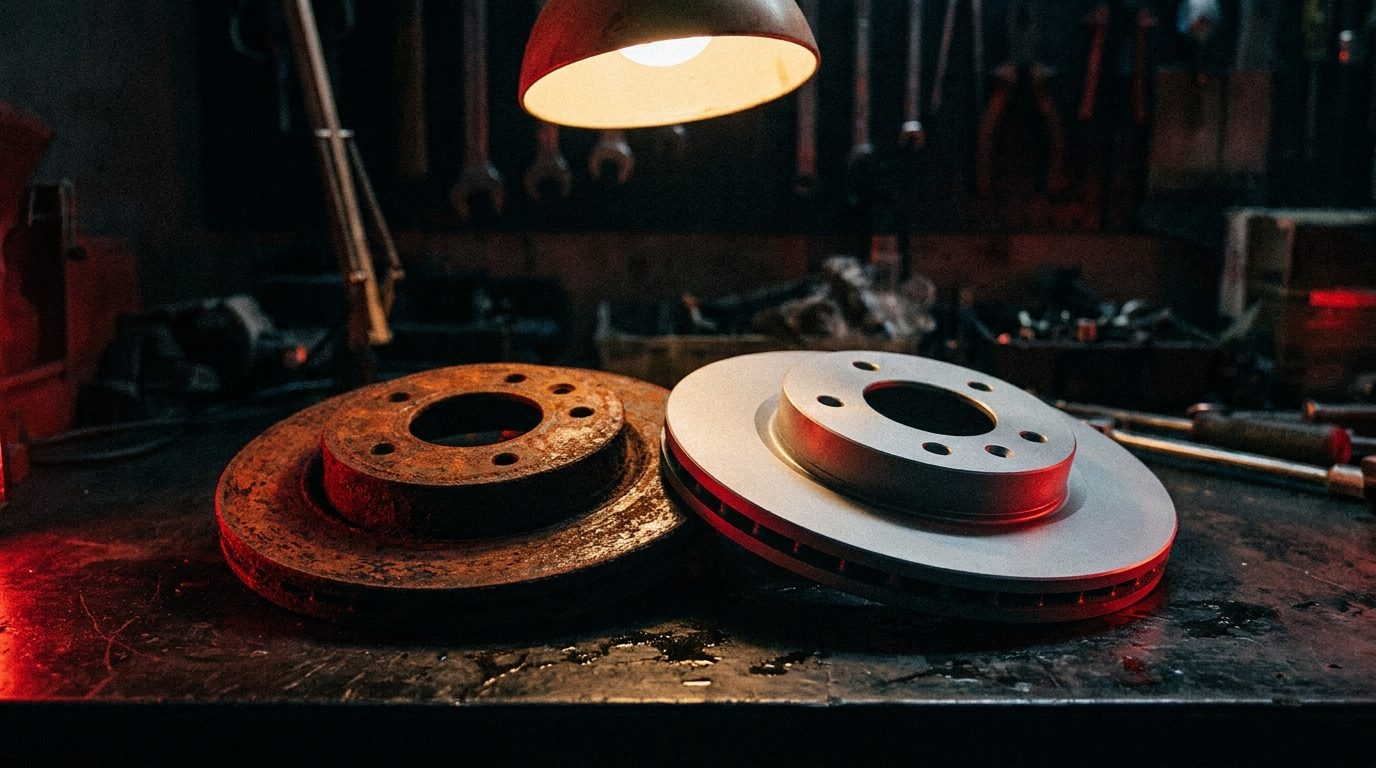
The worn part and its replacement side by side, same surface, same light, same distance. This is the actual before and after, and it is the single highest-performing format for both social engagement and ad creative, because the contrast does the entire job of persuasion without a single word of copy attached.
The install shot or a ten-second clip
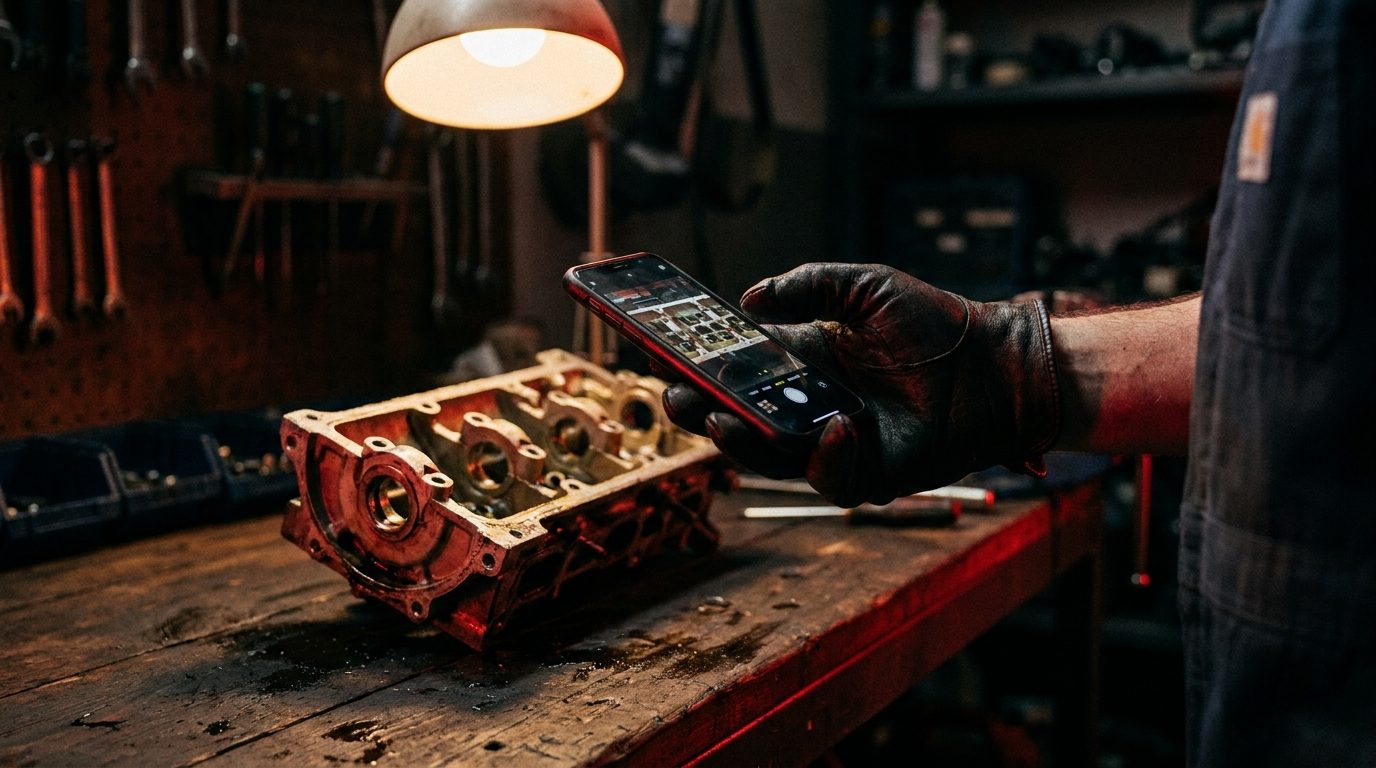
A quick photo or short video of the new part going in is proof the work actually happened, not just proof the old part was bad. Video adds motion, which stands out in a feed dominated by static photos, and it is the easiest format to turn into a Reel or a Story with almost no editing.
The clean pickup shot
Optional, but a nice bookend: the finished car, keys handed back over. Pairs well with a testimonial or a landing page case study, and gives the sequence a natural beginning, middle, and end for anyone scrolling through all four photos in order.
Blur or crop the license plate and the VIN before any of these leave the shop's phone, as a standing rule on every photo regardless of what else is or is not visible. Neither one is needed to tell the story, and leaving either in is an unforced risk for no marketing upside. Organize by day in a shared album or folder as the photos come in, since the next section depends entirely on having a backlog to pull from instead of scrambling for a photo the week an ad needs one.
Free Ad Creative Audit
See what your own repair photos could be earning you.
We'll look at what's currently running in your ads and show you exactly where a real before and after would outperform it. Free, whether you hire us or not.
Get My Free Ad Audit →The rules that make it convert.
Capturing the photo is the easy half. A sloppy before and after can still undersell the work, and a genuinely great one follows the same handful of rules every time, whether it is headed to Google Business Profile, a paid ad, or an Instagram post.
Same angle, same light, every time
Shoot the old part and the new part from the same distance, the same angle, and under the same light, ideally the shop's own overhead bay light rather than a phone flash that blows out the metal and hides the detail that made the part worth photographing. Consistency is what makes the comparison read instantly instead of requiring a caption to explain what changed.
One part, not a cluttered bench
A workbench covered in tools, rags, and three unrelated jobs in progress buries the one part that matters. Clear a small patch of clean surface, or hold the part against a plain background, before shooting. The goal is a photo a customer can understand in under two seconds without hunting for what they are supposed to be looking at.
A photo of a part is proof. A stock photo of a wrench is decoration.
Hands and tools stay in frame
A part floating on a pristine white background looks like a stock photo, which defeats the entire purpose. A gloved hand holding the part, a torque wrench resting nearby, or the bay itself blurred in the background all signal that a real person in a real shop took this photo five minutes ago, not that it was pulled from a library.
Caption with the part name, not a vague claim
Say exactly what failed, the serpentine belt, the rear brake rotor, the control arm bushing, not a vague reference to an issue. Add one sentence on what would have happened if it had not been caught, and the caption alone does most of the persuading before anyone even studies the photo closely.
Never the customer's face or plate
The part is the story, not the person or the vehicle's identity. Keep faces and plates out of frame from the start rather than cropping afterward, and the habit protects a customer's privacy without costing the photo any of its impact.
Skip the gore
A filthy, oil-soaked part or a close-up that reads more like a crime scene than a repair can repel a scroller instead of stopping them. Clean the part enough to see the failure clearly, factual and specific, without leaning into shock value that makes the photo harder to look at than it needs to be.
Where these photos earn their keep.
The same handful of photos from one job can carry weight across every channel a shop already runs, which is what makes the ten seconds per part worth the habit.
Google Business Profile. Uploading real job photos on a regular cadence signals an active, real business to the algorithm deciding who shows up in the map pack, and it costs nothing beyond the upload itself. A profile with a steady stream of genuine repair photos reads as more trustworthy at a glance than one leaning entirely on a logo and a handful of stock exterior shots.
Paid ad creative. Swapping a stock or illustrated image for a real before and after is typically the first creative test we run when a new auto repair client's Meta ads or Google ads account is leaning on generic imagery. Pair the photo with a caption naming the exact part and a clear next step, and the ad does its own explaining before a click ever happens, which shortens the distance between the scroll and the booked appointment.
The website itself. A recent-work or proof section built from real before and after photos gives a first-time visitor something to evaluate beyond a paragraph of claims. A page that only describes the work reads very differently from one that shows it.
Follow-up to the specific customer. Texting or emailing a customer their own before and after photo after pickup does double duty: it closes the loop on what they paid for, and it is the single easiest moment to ask for a review while the relief of a fixed car is still fresh.
Our guide to auto repair shop social media marketing covers the platform strategy layer, which channel to post on and how often. This is the layer underneath it, the actual photo system that feeds every one of those channels the same raw material instead of leaving each one to scramble for its own content.
The Whole Campaign, Built For You
We turn your shop's real work into ads that book appointments.
Google, Meta, and your landing page, all built around the proof already sitting in your bay. It's the system behind our Arizona repair clients.
Get My Free Ad Audit →One job, a week of content.
A single well-shot before and after does not have to be a one-time post. The same four or five photos from one repair order can carry a shop through most of a week: a Google Business Profile upload the day of the job, a Meta ad creative test that runs for the following two weeks, an Instagram post paired with the caption from the shot list section above, a pairing on the website's proof section, and the follow-up text to the customer that doubles as a review request. One job, captured properly, feeds five different channels instead of five different scrambles for content.
Getting there takes a system, not a talented photographer. Assign the habit to whoever is already on shift for intake and pickup rather than creating a new role, keep a single shared album organized by day so nothing gets lost in someone's camera roll, and review it once a week to pick the two or three strongest before and afters to push into ads and posts. The entire system runs on a phone that is already in someone's pocket.
We built this exact routine into the weekly workflow for the multi-location shop group we run content and local SEO for in Arizona, where every location captures the same shot list on every qualifying job and a standing weekly review picks which photos move into ads and which stay as organic posts. The habit compounds the way any content system does: three months in, a shop is not scrambling to find something to photograph, it is choosing from a backlog.
If you want the full picture of how a photo system fits alongside SEO, paid ads, and reviews for a shop specifically, our auto repair shop marketing guide covers the whole channel mix.
The underlying reason this works so consistently comes back to the same point from the opening of this article. A stock photo can be purchased by any competitor with a credit card. A photo of your own tech's hands pulling your own customer's actual failed part cannot be copied by anyone else in your market, no matter what their ad budget looks like. That is not a small edge. In a feed full of interchangeable stock imagery, it is often the only thing that makes a scroller stop.
Frequently asked questions.
Do before and after photos actually help auto repair shop marketing?
Yes, consistently. Repair work is invisible once the car is buttoned up, so a real photo of the failed part next to the new one is proof a stranger can evaluate in a second, and it reads as more credible than any written claim or stock image a competitor is running in the same feed.
What should a service advisor photograph on every repair job?
Five shots cover almost every job: the part in place before anything is touched, the pulled part alone in good light, the old part next to its replacement, a short clip of the install, and the finished car at pickup. None of it requires more than a phone and about a minute of extra time per repair order.
Is it okay to use stock photos instead of real repair photos in ads?
Stock is a fine placeholder for a brand-new shop with zero job photos yet, but it should be treated as temporary. Once even a week of real before and after photos exists, swapping them into the ad creative typically outperforms the stock version, because a real photo signals proof a stock image structurally cannot.
Do I need the customer's permission to use before and after photos in ads?
Blur or crop the license plate and VIN as a standing rule regardless of consent, since neither is needed to tell the story. For anything that could identify the customer, such as a face or a personalized item left in the car, get a quick verbal or written okay at pickup before it goes into an ad.
How fast do ads built around real repair photos start producing bookings?
Google and Meta are direct response channels regardless of the creative running inside them. Swapping a stock image for a real before and after does not change the speed, a well-targeted campaign still produces calls and booked appointments within 24 to 48 hours, it changes how many of those clicks convert once they land.

Free Ad Creative Audit
See what your own photos could sell.
We'll show you exactly where a real repair photo beats what's running in your ads right now.
Received
Thanks. Talk soon.
We'll reach out within 24 hours with your custom 90-day roadmap.